
EQ-06 · A2C adapter
Connect the board to a USB-A computer
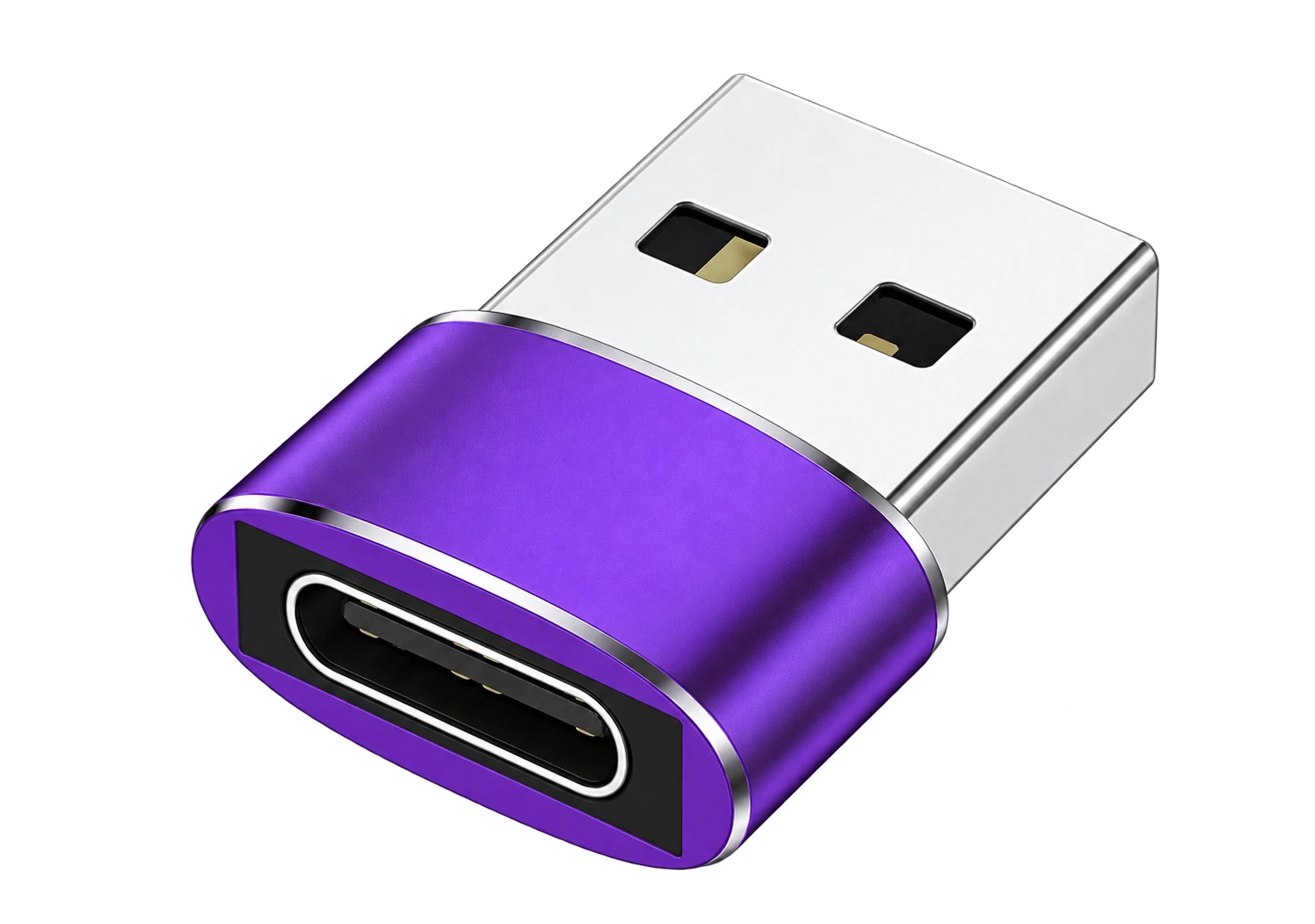
A compact adapter for plugging the kit’s USB-C cable into a USB-A port.
How to use it
You’ll need: USB-A to USB-C adapter, USB-C data cable, ESP32-S3, and a computer USB-A port.
- Plug the adapter’s USB-A end into the computer. Plug the data cable into its USB-C socket and connect the other end to the board port named by your lesson.
- Compare serial ports before and after connecting. If you have a working direct USB-C connection, keep the board port and firmware mode the same while comparing.
- Open the newly detected port with your serial tool when the lesson asks for it. Close that tool before running a firmware uploader.
What to look for: You can identify the serial connection. The USB-A to USB-C adapter plus data cable was tested for serial detection and firmware flashing on Windows 11 and macOS 26 or later.
AI prompt
Copy the prompt and replace any brackets with details from your kit.
Connect the board to a USB-A computer
I am connecting my MoloWorks ESP32-S3 through the USB-A to USB-C adapter and data cable. I use [OS/version], the [left USB/OTG or right COM] socket, and see [port or error]. Give me an ordered way to isolate the computer port, adapter, cable and board mode. Tell me when a CH343P driver check is relevant and how to release a busy port.