
Start here
What is ESP32?
ESP32 is a family of small, affordable system-on-chip devices from Espressif. Many members combine Wi-Fi and Bluetooth with useful input and output pins, giving an idea a direct path into the physical world.
No coding background required. You can begin with a plain-language goal, a safe wiring diagram, and one small behavior to test.
The simple idea
ESP32 is the small computer at the center of an IoT project.
Think of it as the part that listens to sensors, follows your program, and controls the response. A development board adds the practical pieces—power, USB, programming access, and easy-to-reach pins—so you can focus on making and testing.
- 01
Connect
Wi-Fi + BluetoothMany ESP32 boards can send data wirelessly, so a physical project can become a connected IoT device.
- 02
Sense
Inputs and GPIOConnect buttons, light, temperature, distance, sound, and other sensors through the board pins.
- 03
Respond
Outputs and motionUse displays, LEDs, speakers, servos, and motors to turn a reading into something you can see or hear.
- 04
Improve
Fast experimentsChange one behavior, test it on the real board, and keep improving the project in small steps.
AI + ESP32
From a plain-language idea to a real IoT project.
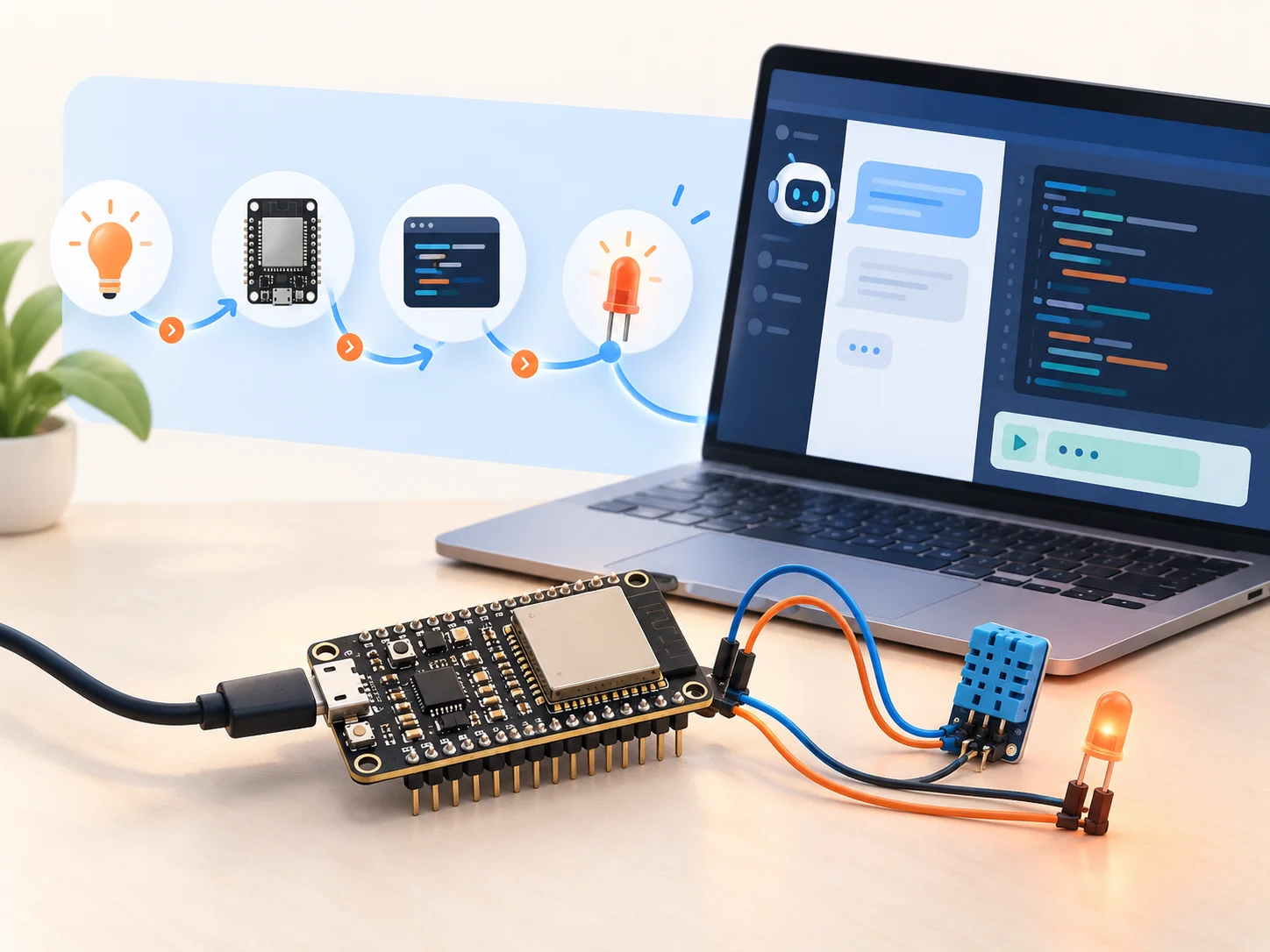
AI can help turn “I want a light that reacts when the room gets dark” into a first software draft, explain what the code is doing, and suggest the next small change. You still make the physical connections safely and verify the result on the real device.
- 01Describe the outcome
Say what the device should sense, decide, and do in everyday language.
- 02Connect the verified parts
Follow the board diagram, keep power off while wiring, and confirm the pins before testing.
- 03Generate and flash a small change
Ask AI for the smallest useful edit, then load it onto the ESP32.
- 04Observe, explain, improve
Compare the expected behavior with what the real project does and ask for the next revision.
Choose a starting path
Start simple. Go deeper when you are ready.
ESP32 supports more than one way to build. The best first tool is the one that lets you make a small, observable result without getting lost in setup.
Arduino
A friendly first path with simple C++ examples and a large library ecosystem for prototypes and learning.
MicroPython
A lightweight Python option for learners who want to experiment quickly without a long compile-and-flash loop.
ESP-IDF
Espressif’s full development framework for deeper control, production work, and learners ready for more system detail.