
EQ-10 · Push-button module
Read a press and a release
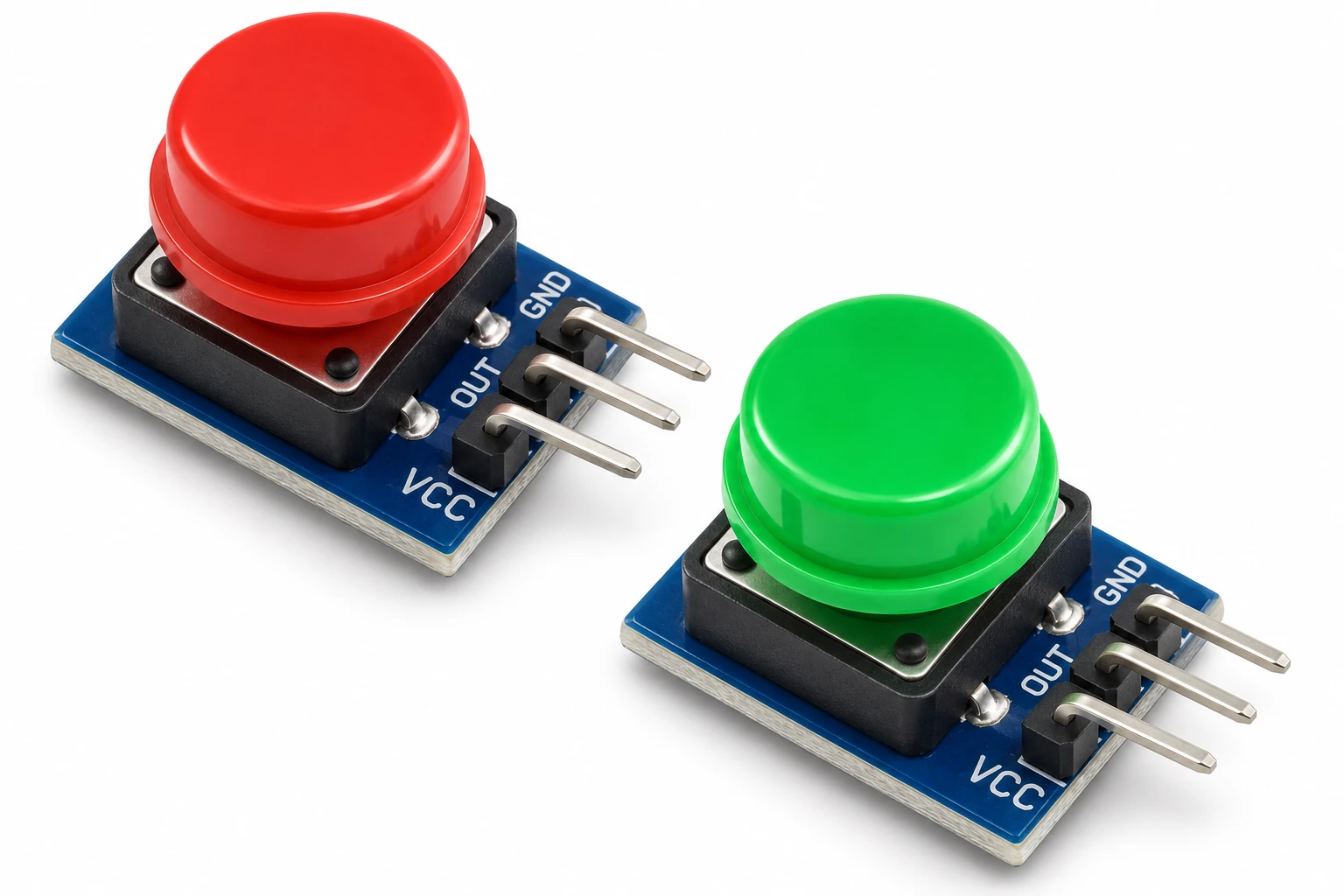
Two buttons give a project simple inputs for actions such as start, select, or reset.
How to use it
You’ll need: ESP32-S3, one three-pin button module, jumpers, and USB data cable.
Connections
This example uses one part at a time on the MoloWorks ESP32-S3. If a course uses different GPIO pins, follow that course’s wiring and code together. Disconnect USB and any external power before changing wires.
| On the part | Connect to |
|---|---|
| Module VCC | ESP32 3V3, after confirming the module supports it |
| Module GND | ESP32 GND |
| Module OUT | ESP32 GPIO4 input, after checking the output level |
- Find VCC, OUT, and GND on your actual module. Confirm the supply and check that OUT stays in the ESP32’s 3.3 V logic range before connecting it.
- Start the MicroPython example, then press and release the button. It reports a state only if it is still the same after 25 ms, which helps filter switch bounce.
- Test the second button separately. If the behavior differs, check the module’s marking, supply and output rather than swapping power pins.
MicroPython example
Run this on the board with your MicroPython editor. Set up the ESP32-S3 first if you don’t have a working connection.
from machine import Pin
from time import sleep_ms

button = Pin(4, Pin.IN)
last = None
while True:
    value = button.value()
    if value != last:
        sleep_ms(25)
        if button.value() == value:
            print("pressed" if value else "released")
            last = value
    sleep_ms(10)
What to look for: A high output prints “pressed”; a low output prints “released”. Stop the loop with Ctrl-C in the MicroPython console.
AI prompt
Copy the prompt and replace any brackets with details from your kit. Check the suggested wiring against the labels on your parts before applying power.
Read a press and a release
I have the MoloWorks three-pin push-button module, active high, on GPIO4 of an ESP32-S3 running MicroPython. My labels and verified supply are [details]. Give me a wiring check and a short example that prints one event per press and release with debounce. Explain how to troubleshoot a constant high or a constant low without swapping power pins.