
EQ-24 · Speaker · Full kit
Connect and check the kit speaker
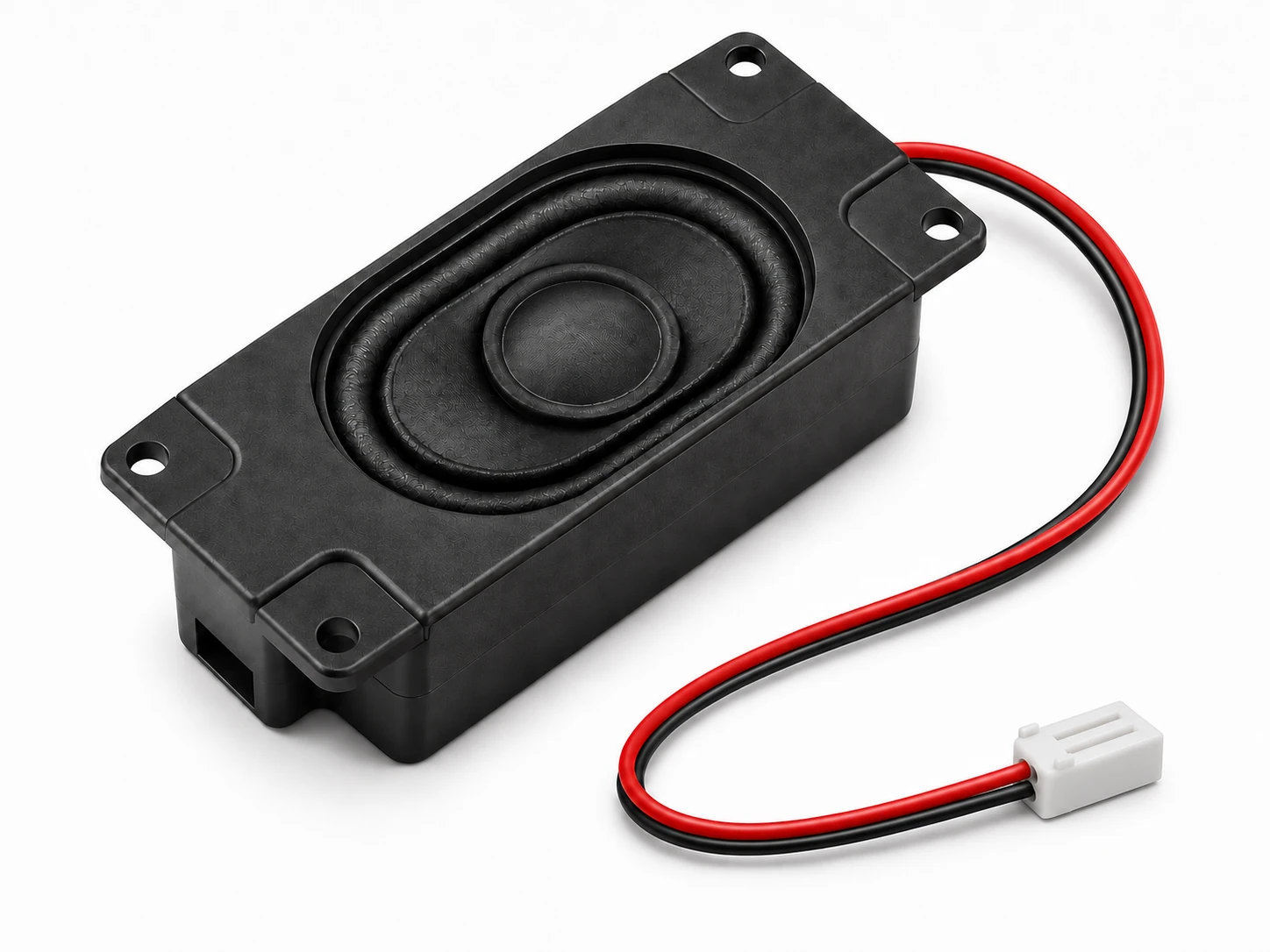
A single enclosed 3070 speaker with an attached two-pin lead that plugs into the kit’s amplifier.
How to use it
You’ll need: 3070 speaker, the kit’s MAX98357A amplifier, ESP32-S3 and the amplifier’s regulated supply.
Connections
This example uses one part at a time on the MoloWorks ESP32-S3. If a course uses different GPIO pins, follow that course’s wiring and code together. Disconnect USB and any external power before changing wires.
| On the part | Connect to |
|---|---|
| Speaker’s two-pin plug | Matching two-pin socket on the MAX98357A amplifier |
- Turn off the amplifier supply and unplug the ESP32 before connecting the speaker. Insert its plug into the matching amplifier socket without forcing it.
- Route the cable away from sharp edges and place the speaker on the bench away from your ears. Both wires stay on the amplifier output. Do not connect either wire to the ESP32, ground, or a power rail.
- If the amplifier is not wired yet, follow its setup linked below. Start with the short, quiet tone in that guide. If it rattles, clips, or stays silent, switch off and check the plug and amp setup before raising the level.
What to look for: You hear a clean, quiet tone from the speaker, followed by silence.
AI prompt
Copy the prompt and replace any brackets with details from your kit. Check the suggested wiring against the labels on your parts before applying power.
Connect and check the kit speaker
I have the MoloWorks 3070 speaker (8 ohms, 3 W maximum) and the kit MAX98357A. Walk me through plugging it into the matching two-pin socket and using a low-level tone from the amp guide. Help me check a silent or distorted speaker without grounding either terminal or applying battery voltage.