
EQ-26 · 9 V power adapter · Full kit
Supply the breadboard power module
A desktop adapter with a US AC plug and center-positive 9 V DC barrel output for the breadboard power module.
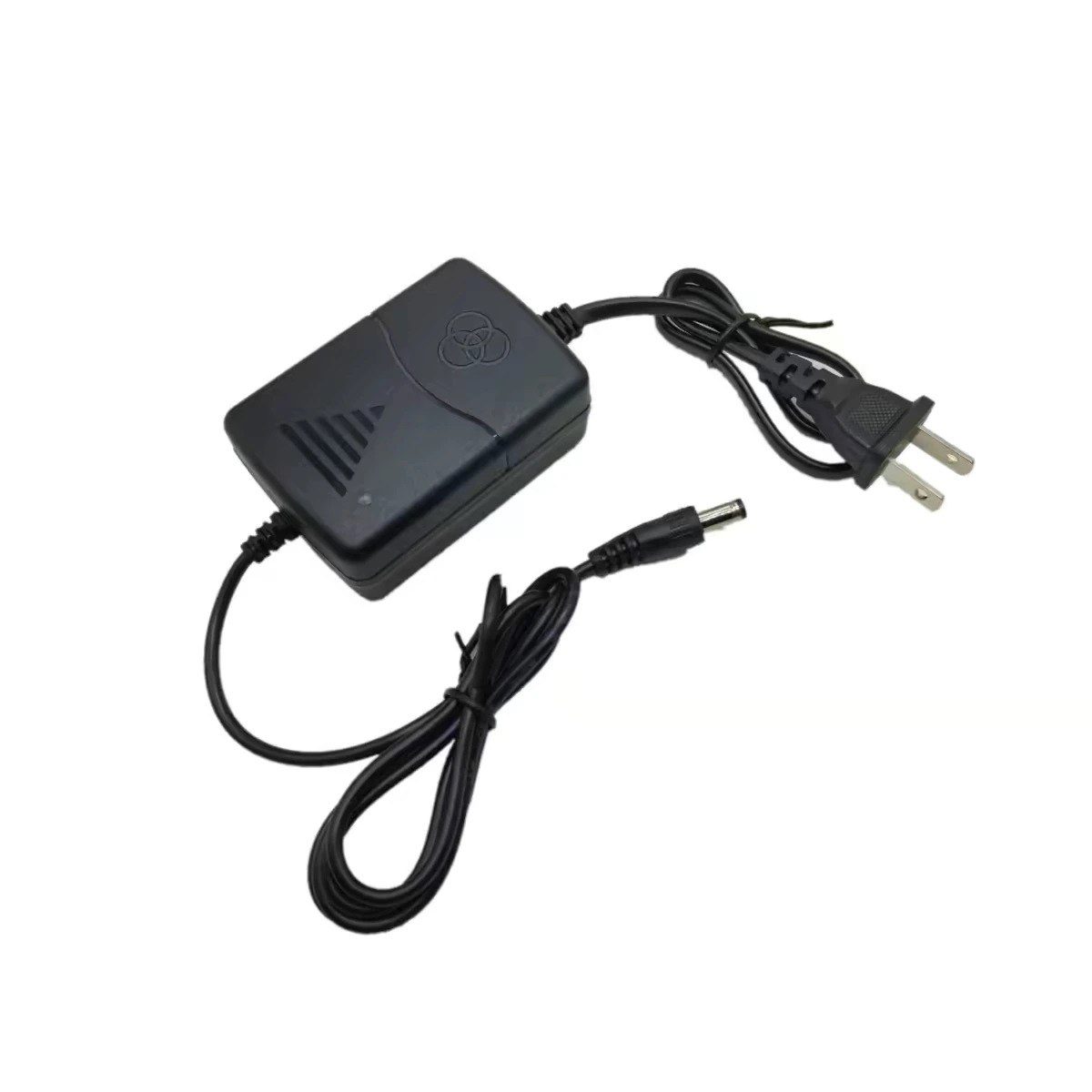
How to use it
You’ll need: Full kit desktop 9 V DC adapter, MB102-style power module, breadboard and multimeter.
- Read the actual adapter label: 9 V DC and center positive. With the adapter unplugged from the wall and the power module off, insert its barrel plug into the module’s DC input. Leave the battery lead disconnected.
- Set the module’s rails for your load. Plug the adapter into the wall and turn on the module with no load attached. Use the meter in DC voltage mode to verify the output voltage and polarity on the breadboard rails.
- Switch off before changing a rail or adding parts. Keep the adapter’s raw 9 V away from GPIO and low-voltage parts. Use the module’s regulated outputs within its own current limits; the adapter’s label is not a rating for the breadboard rails.
What to look for: The breadboard rail measures the selected 3.3 V or 5 V. The desktop adapter supplies only the power module’s DC input.
AI prompt
Copy the prompt and replace any brackets with details from your kit.
Supply the breadboard power module
I have the Full kit center-positive 9 V desktop adapter labeled [current] and the MB102-style breadboard power module. Give me the startup sequence, how to verify the 3.3 V and 5 V rails with a meter, and how to size the load to the module. Keep the ESP32 on USB for its first tests, with only the grounds joined where needed, and keep raw 9 V away from kit parts.